01
Write it down quickly
Add a title, then include a note or icon when it helps. Your reminder can start now or be set for a future date and time.
 Memo Reminders
Write a quick memo, choose when to see it, and take action from its notification. Memo Reminders is made for everyday life on Android.
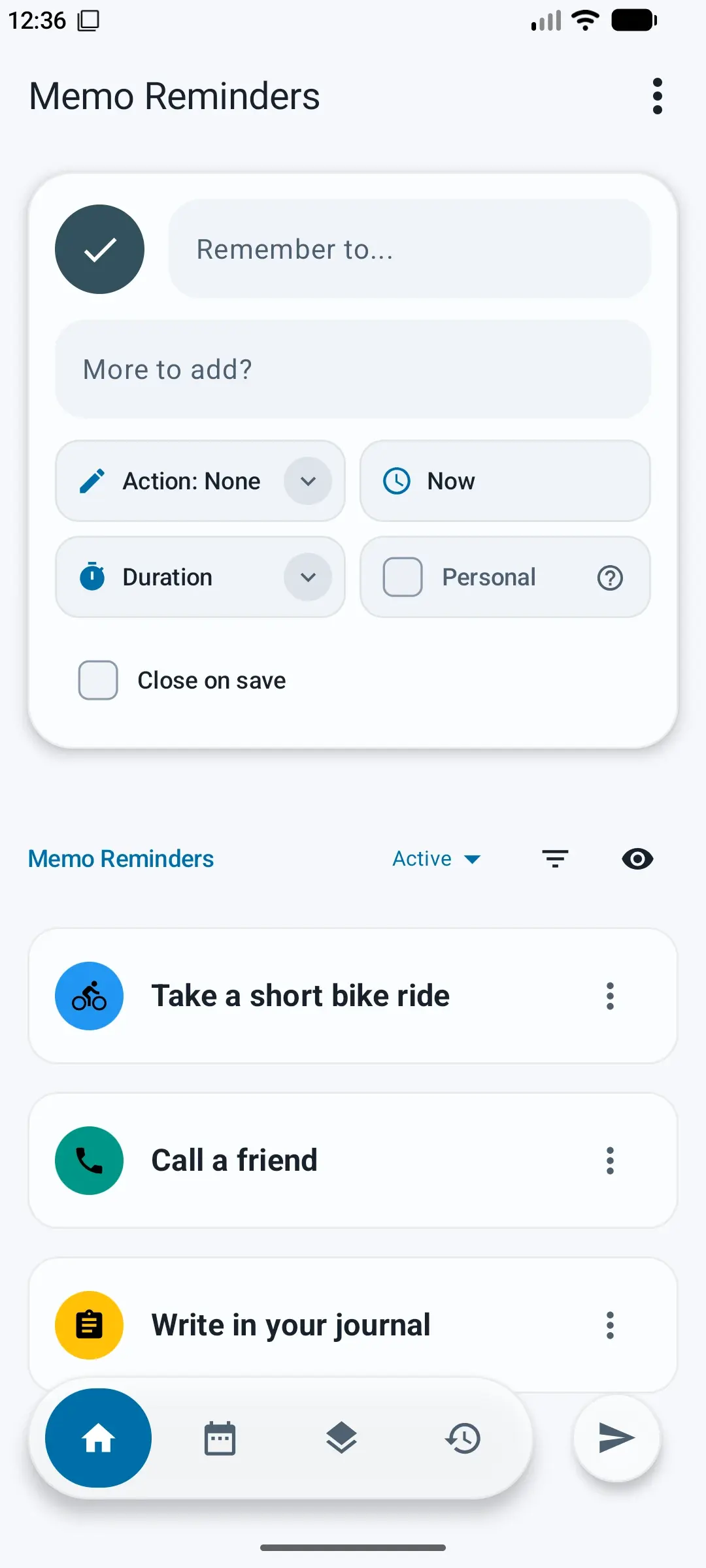
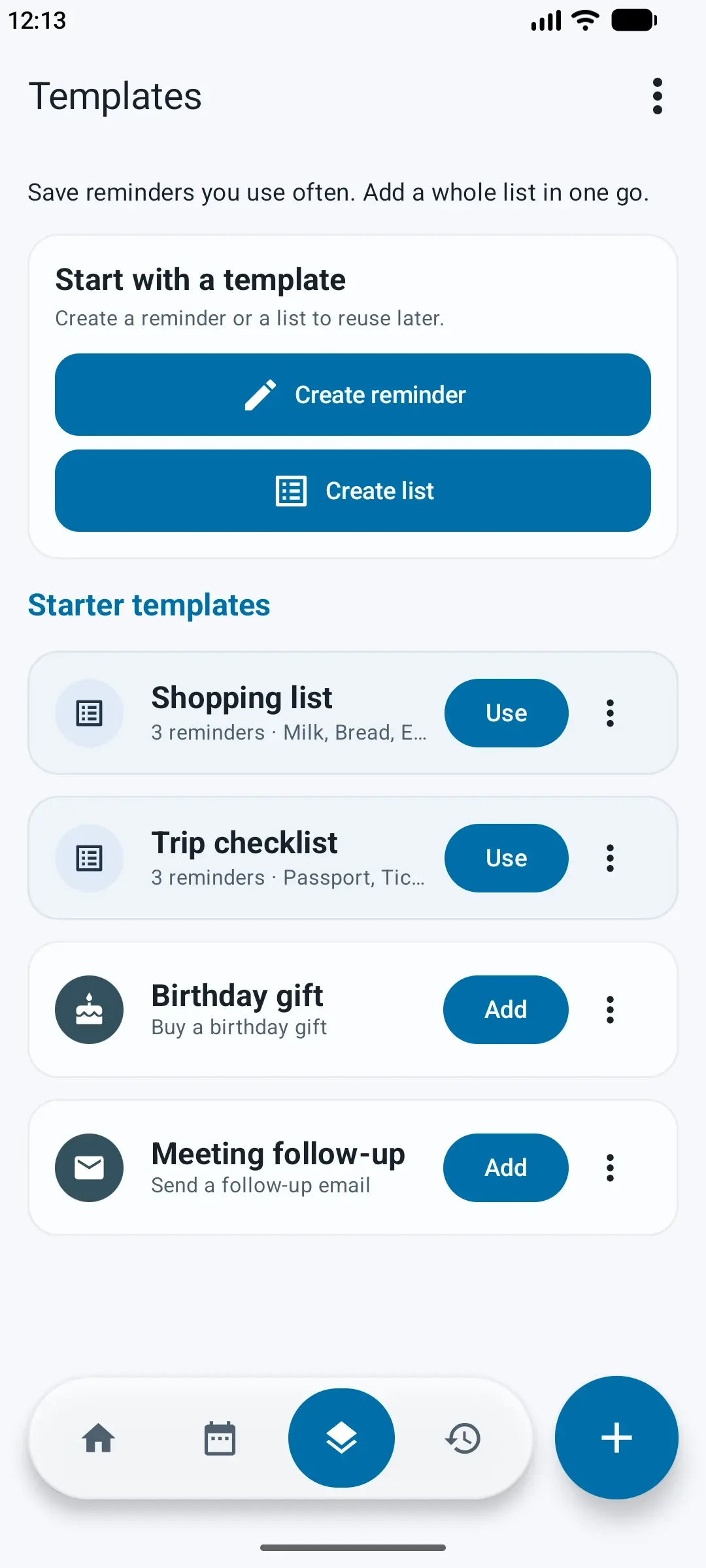
Create a reminder, choose what happens next, and keep useful reminders ready to reuse.
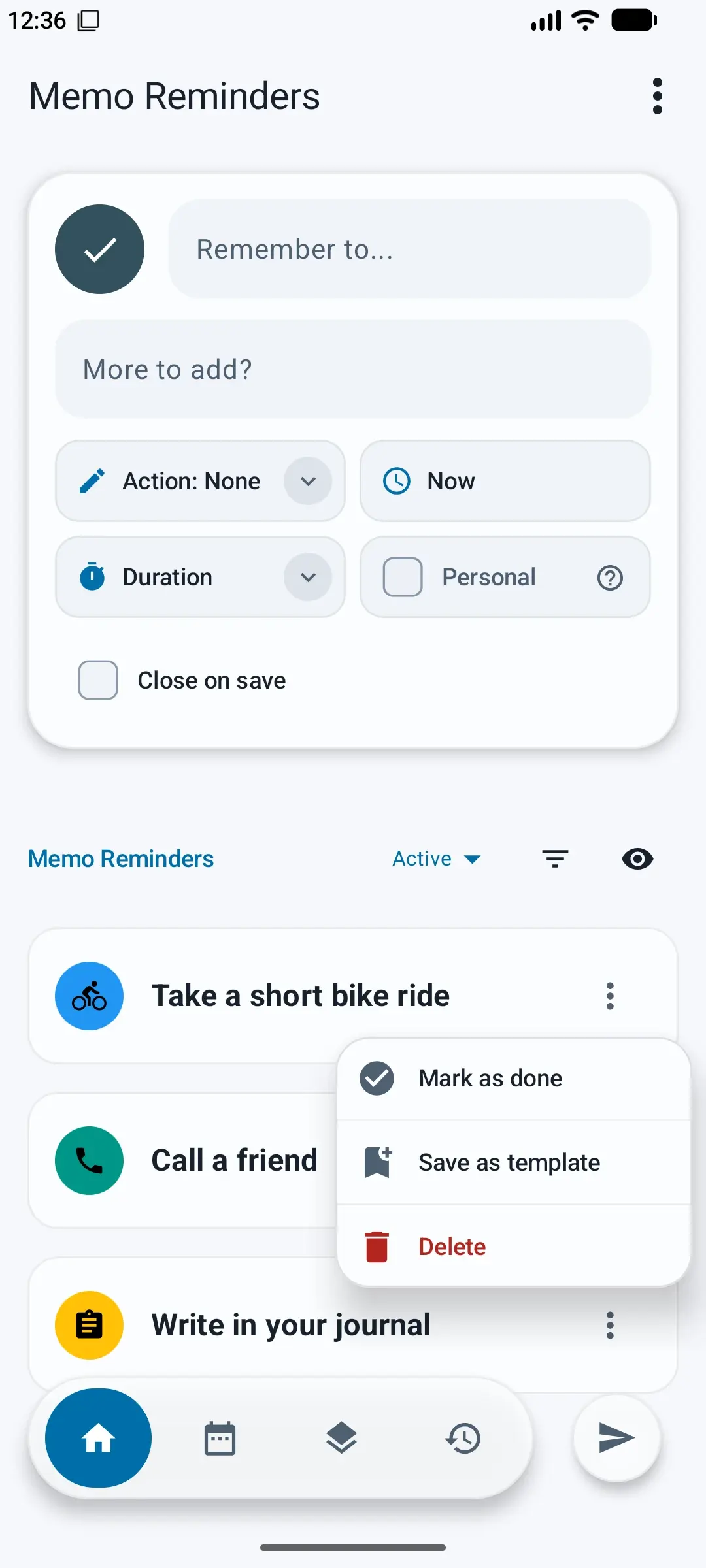
Keep useful details close, set a time when you need one, and choose what happens when a reminder appears.
01
Add a title, then include a note or icon when it helps. Your reminder can start now or be set for a future date and time.
02
Repeat reminders daily, weekly, or monthly. Choose the days for weekly reminders.
03
Choose an action such as a call, message, email, directions, or a website. Open it when your reminder appears.
A notification can do more than show a note. Choose an action for the reminder, then open it when it is time.
Explore the how-to guideKeep a reminder or a whole list as a template. Review it, make changes for this time, and add the reminders you need.
Learn about Memo RemindersA reusable list
Discover another useful app for everyday life.

Remove hidden location and camera details. Blur faces or cover names and other private text, then share a separate copy.
Explore appsGet Memo Reminders for Android and keep the next thing you need to do close at hand.
